This is a QA log, kind of like a wanna be dev log. A bit less technical and fueled by butterflies and hope. At the HxDR team we’ve been digital twinning for a while. That is the process of combining multi-scale capture data to make a clone of reality. This week at HxDR we’re releasing something something new on our path to a digital twin……. 🥁🥁🥁 DRUMROLL🥁🥁🥁…
Our manual alignments feature is here… yay
We’re not quite at the perfect digital twin we do have a great web platform for working with detailed scans. These scan are capturing some pretty cool pieces of reality. Often people are measuring, annotating and collaborating on these captures of reality.
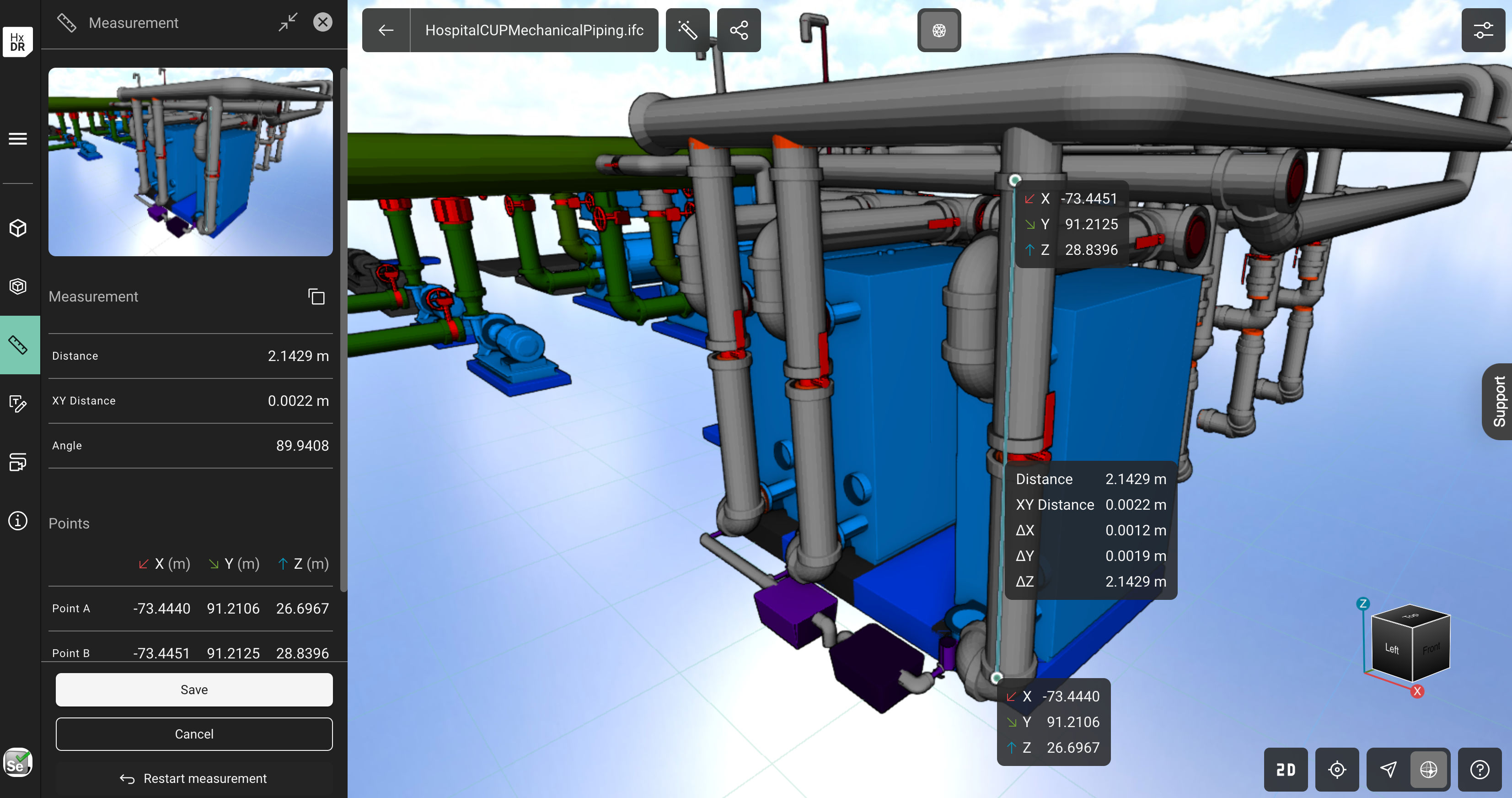
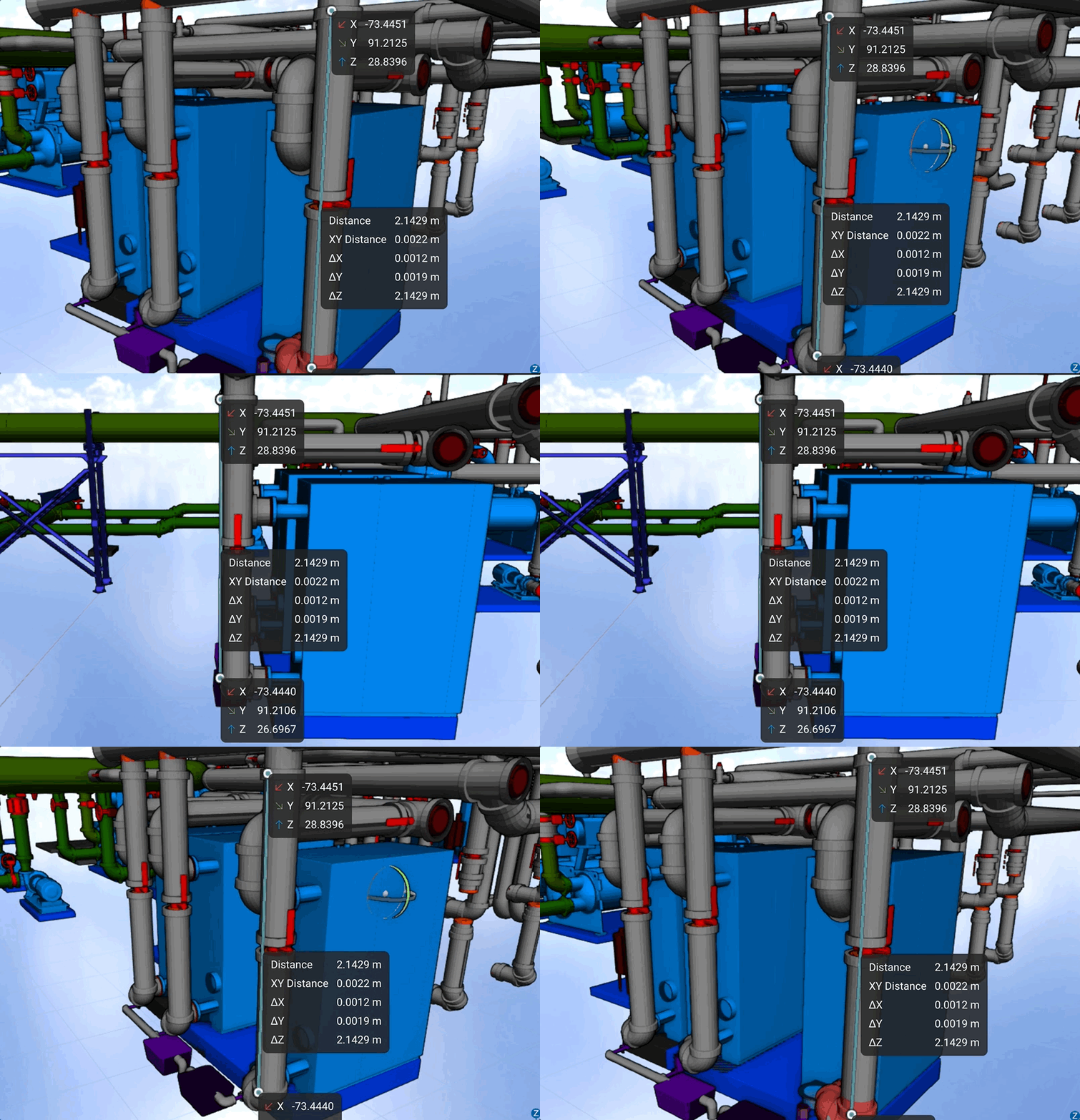
How to Align Two Scans
The next step on this journey is the introduction of multiple capture assets together. We’re calling this process of asset alignment HxDR scenes. So we have a nice icon on our asset viewer page. At the moment this restricted to two assets.
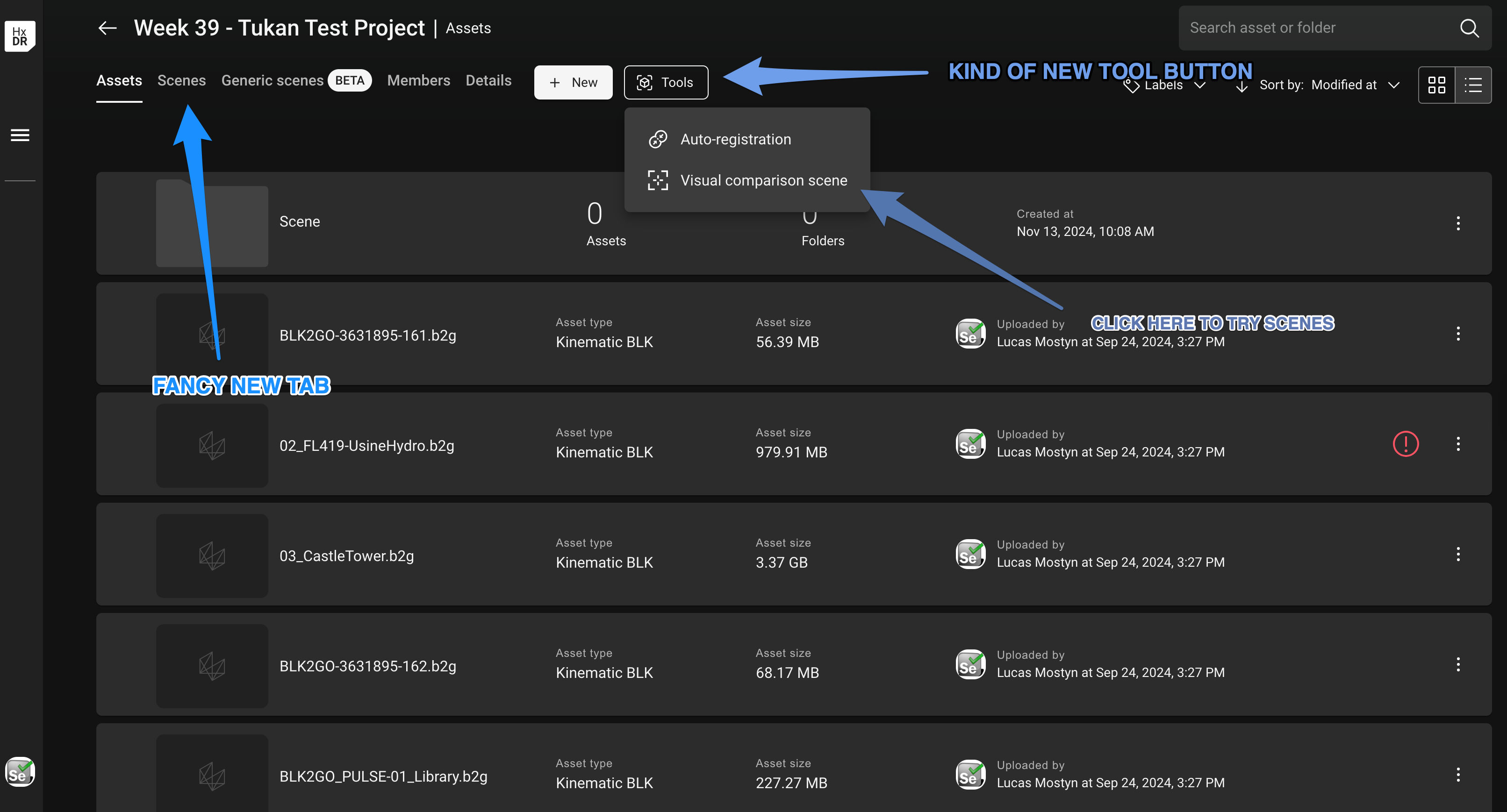
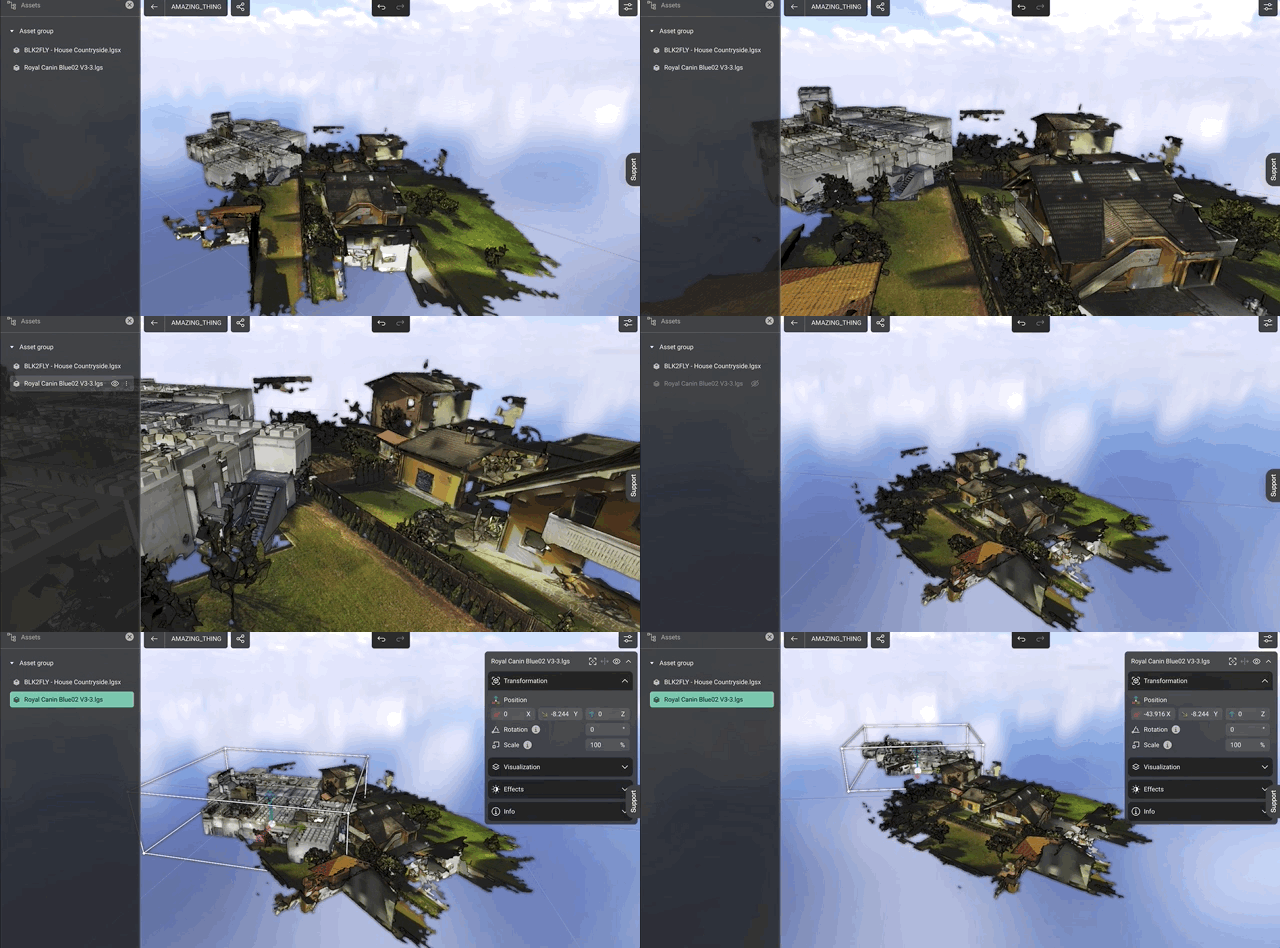
The process is pretty simple. Scan reality and upload those scans to HxDR.
Now use the tools drop down menu and begin the process of brining these two assets together in space. You can mix and match assets. For example I’ve surveyed a land area using scanner and have a medium density point cloud available. Now I’d like to import CAD designs and place them.
New Features
We’re releasing weekly new chunks of work that bring us closer to a digital twin. Please feel free to follow along for updates. The next piece to arrive should be at the macro scale; 30 cm point cloud coverage of North America.
Thanks for following along,
Lucas
 Anything Mapping
Leave a comment