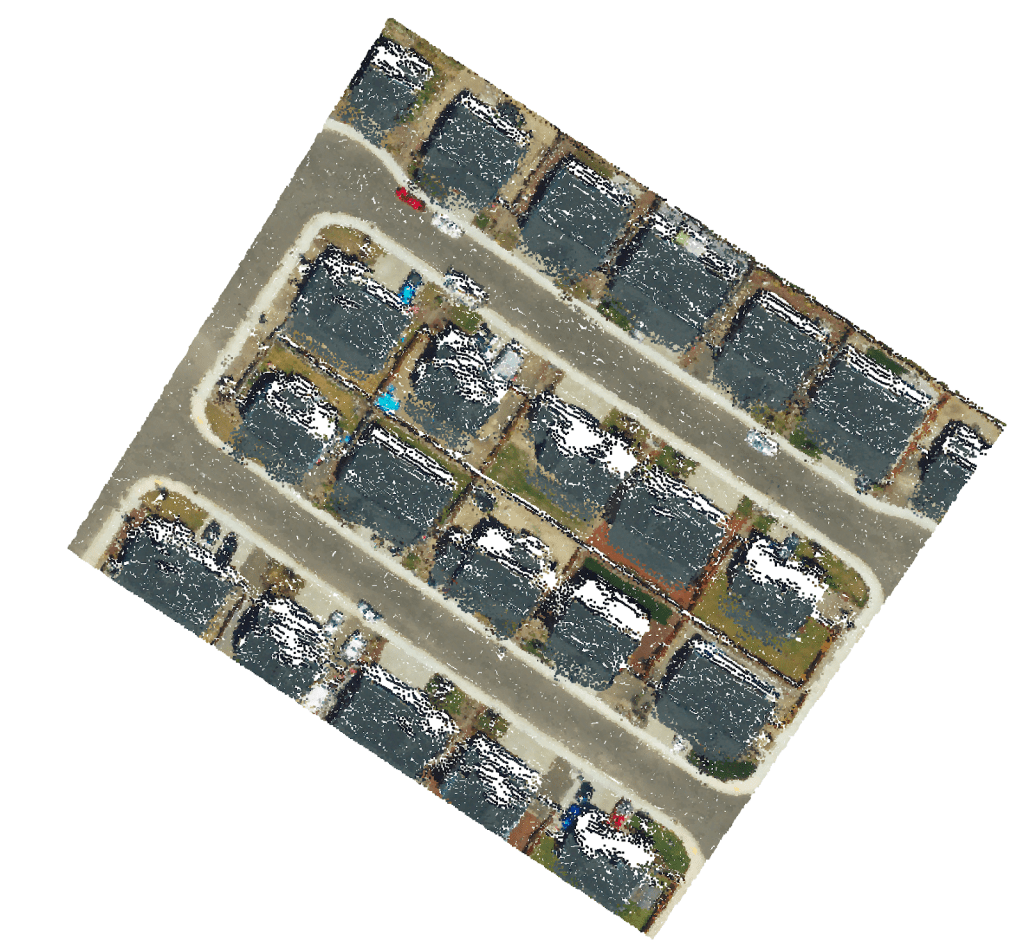
One of the most popular, or even the most popular formats of 3d point cloud data is LAS. I’ve written about it before here, but in this example let’s take it further, let’s write some data. I’ve got some data with questionable srs info to start and I’m trying to work out exactly the issue.

To export the .las we run a pipeline to convert a web optimized format for point cloud data and compress it down into .las. Once we open this file in regular tooling the file is valid, but the location is off.

The file is not corrupted
I tried forcing an SRS to confirm the file was not corrupted and it worked. I found a meta data file which included a reference to the srs, which just seemed to suggest that there was no data.
“srs”: {}
So the next step is to assign an SRS.
LASPY and PROJ
According to my understanding the python project laspy in conjunction with pyproj should be able to write the srs to the file directly; certainly laspy can modify and write the point cloud itself. After 2 ish hours of experimentation, saving subsets of point cloud files etc with laspy I found the docs on how to save a pyproj srs just too confusing. The project has a method to handle this operation, it’s just not clear to me how. But for the purposes of future testing I could follow the tutorials to write out point cloud histograms, which could come in handy.

PDAL
So I’ve given up in frustration and moved onto PDAL. As its name might suggest to you, take its inspiration from GDAL, the Geospatial Data Abstraction Library. PDAL being the Point Cloud Data Abstraction Library. PDAL has a nice documentation page but is a little intimidating as a C/C++ library which breaks the process of working with data into pipelines.

Once I’d invested the time necessary to get PDAL fully installed I was able to use it as I might GDAL; running basic inspections on data and outputting that to the terminal. In this way I could even more clearly identify that the srs was missing from the target las.
pdal info --metadata house_32126.las --> "spatialreference": ""Here I could even more clearly state that the SRS had not been set, not just by reading the metadata but also by inspecting the file itself.
PDAL Pipelines
After configuring a basic pipeline to assign the srs to the las file I managed to get the appropriate details filled out perfectly, with some small file size reduction in addition. Unfortunately the data is still located in the incorrect place so my current assumption is that the coordinates are either incorrect or belong to either EPSG:32610 or EPSG:32126.
I’ve attached a simple PDAL json pipeline to assign the intended epsg code.
[{"type": "readers.las",
"filename": "house_32126.las"},
{"type": "writers.las",
"a_srs": "EPSG:32610",
"filename": "house_32610_pdal.las"
}]
Just get PDAL installed and run, with all the files on the same level.
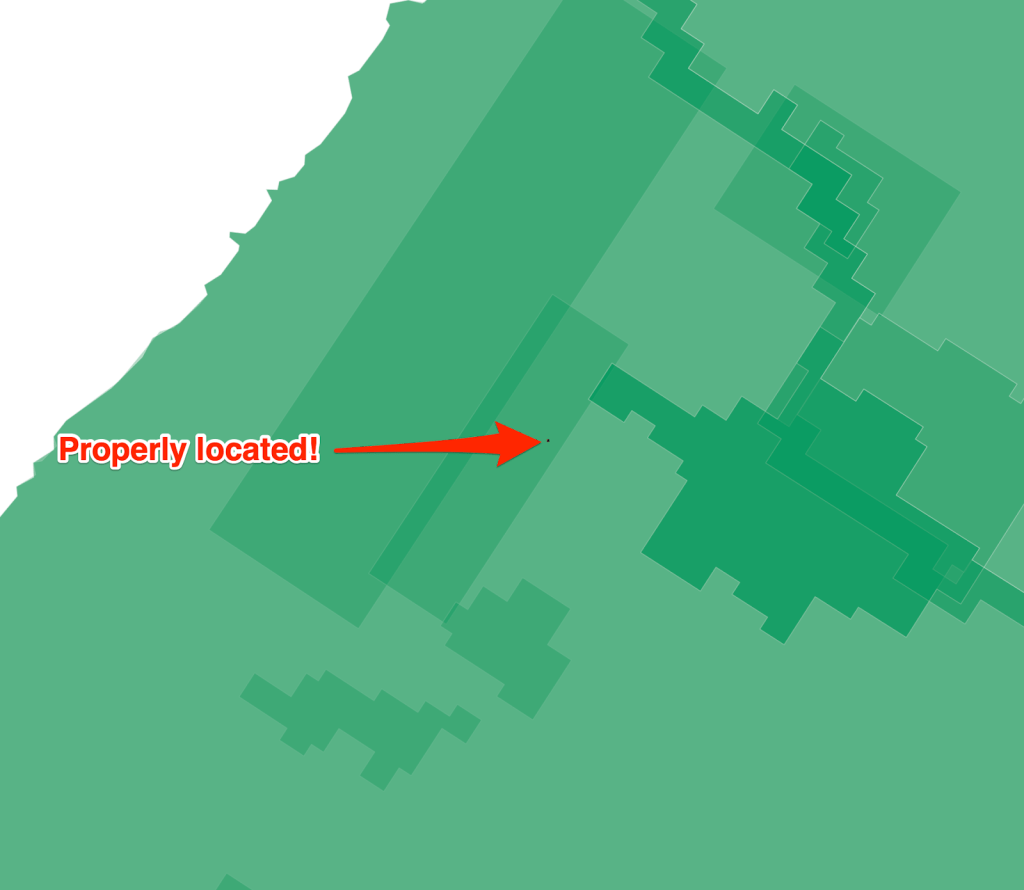
pdal pipeline -i pdal_pipeline.jsonThe result of this PDAL pipeline successfully assigned the appropriate coordinate system to the data which is then visible and recognised in QGIS and is located correctly in the state of Oregon. So that’s how you analysis the crs and assign one using PDAL.

 Anything Mapping
Leave a comment