Hey folks. I moved from Wellington to Switzerland a few years ago now and a big part of the move was an application called Pix4D Mapper which I really liked. It was the beginning of the drone revolution, before all the modern warfare stuff and it was just a really nice time to like flying, geospatial and maps.
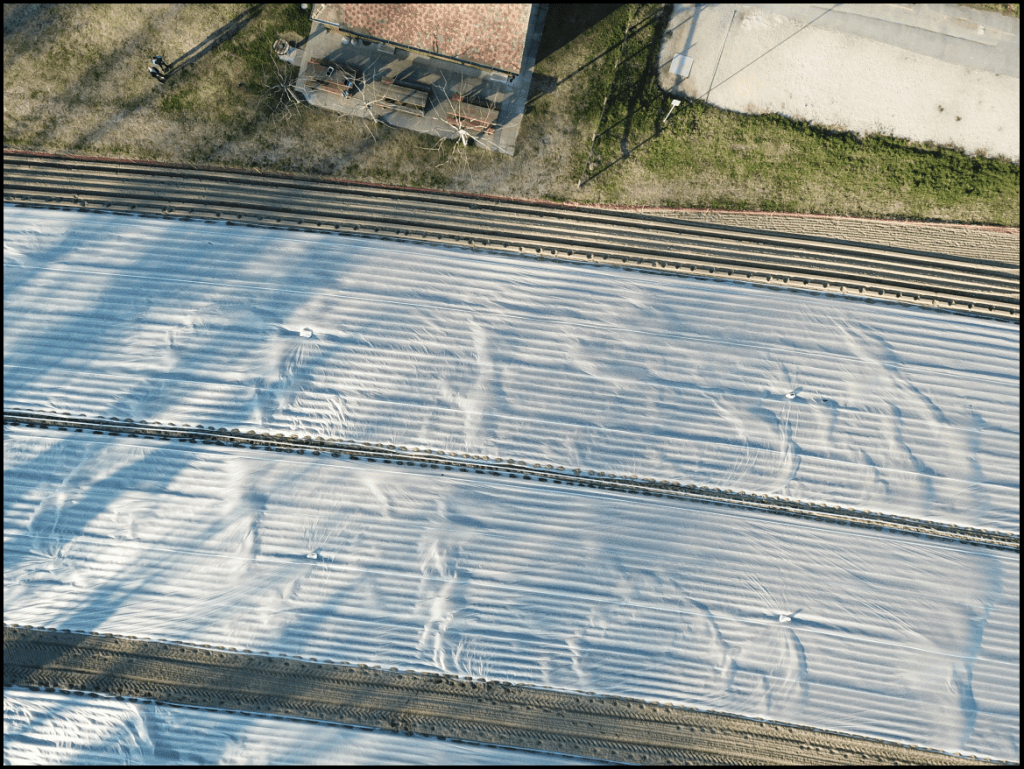
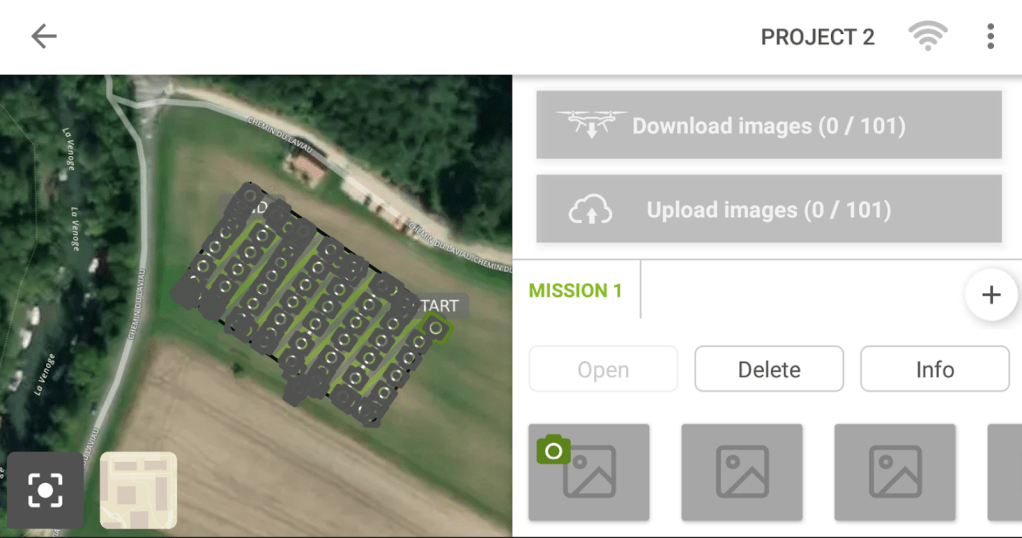
This is the field across the road from the Office in Switzerland. It was a great place for practice flights.
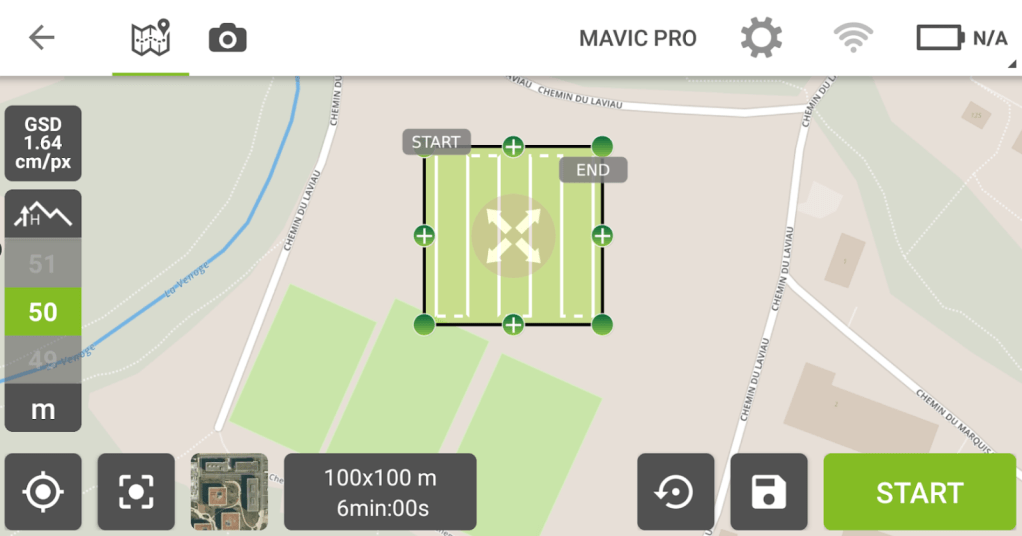
Generally speaking you want to do some planning before you fly and at the time, at least in the beginning there were quite a few questions to have answered.
- How much image overlap to have?
- What is the planned GSD?
- Gridded or circular mission?
- What altitude to fly at?
Most of these things are qutie easy to configure these days but its still useful to keep in mind as you want to end up with a correctly georeferenced map.
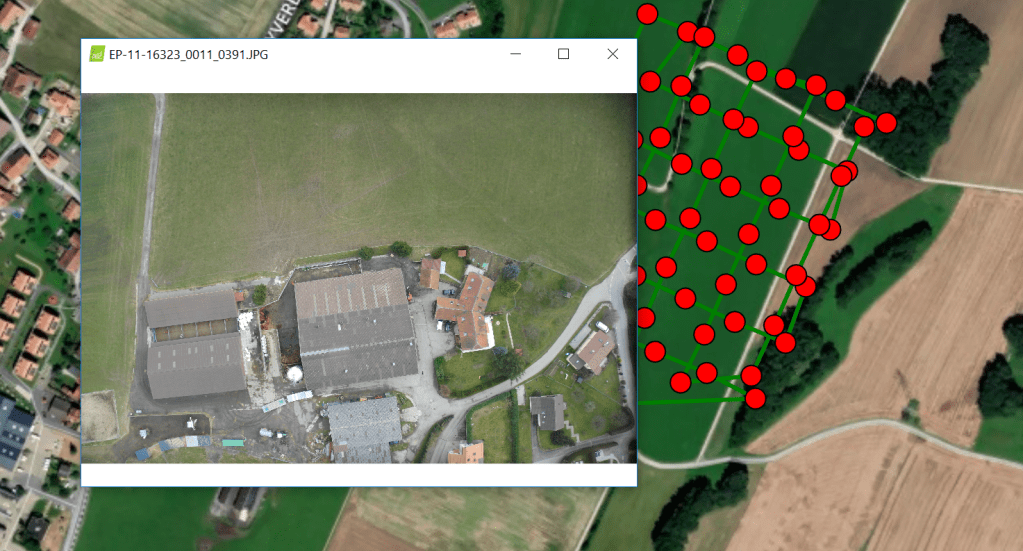
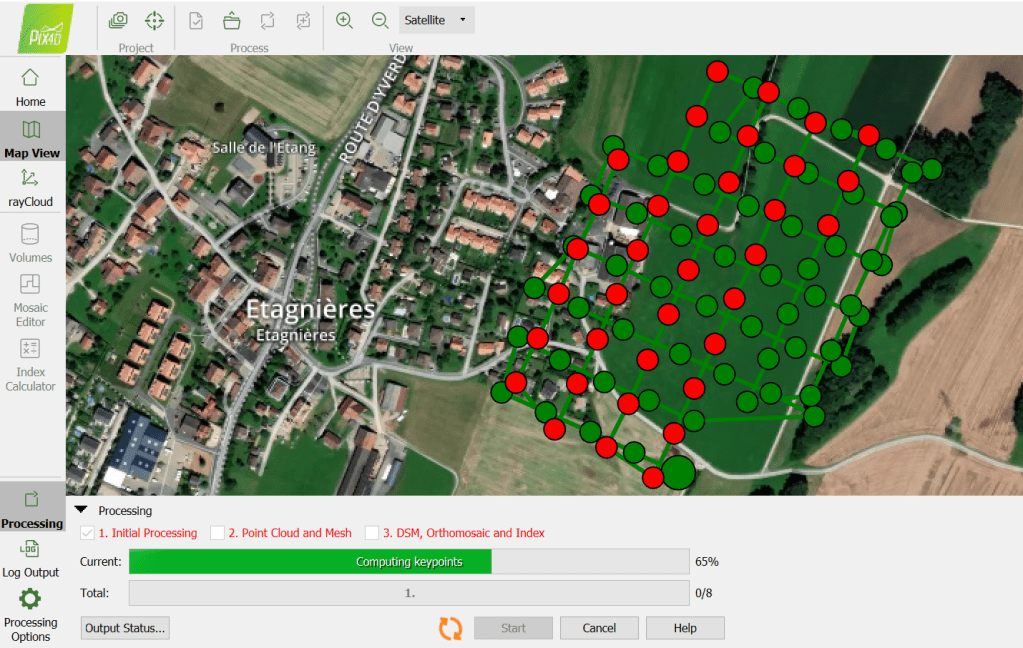
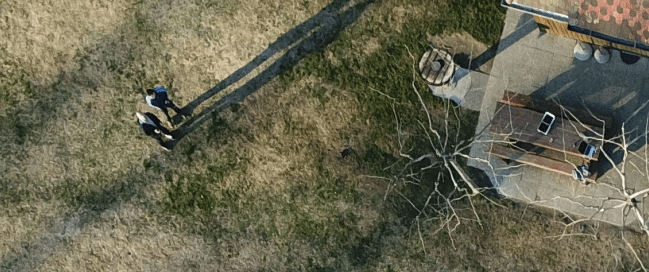
One of the issues which is now largley solved is return to home from the planning app. Here is a pic of me and my colleage really hoping that the drone would come back because the version of the planning app prior to this accidentally reset the home position to 0,0… which mean when the drone hit 20% it would fly home… to Nigeria in this case at 0,0….
It never happened to me but we did have one case in which the French police returned a rather expensieve drone to Switzerland because it hit the emergency return home code.
How do you get the correct resolution?
Ground sampling point calculations are to compute the distance from one pixel to another and ultimately determines the resolution of your imagery.

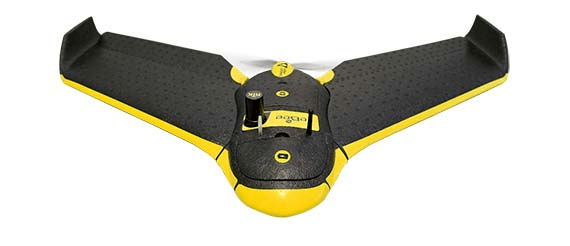
The GSD is determined by the Height of the Drone and the Camera spec. For this example i’m using the ebee plus fixed wing; and on a personal note I really like fixed wings. They are harder to launch, have less stability, but they have so much greater range that I think they are dramatically underrated.
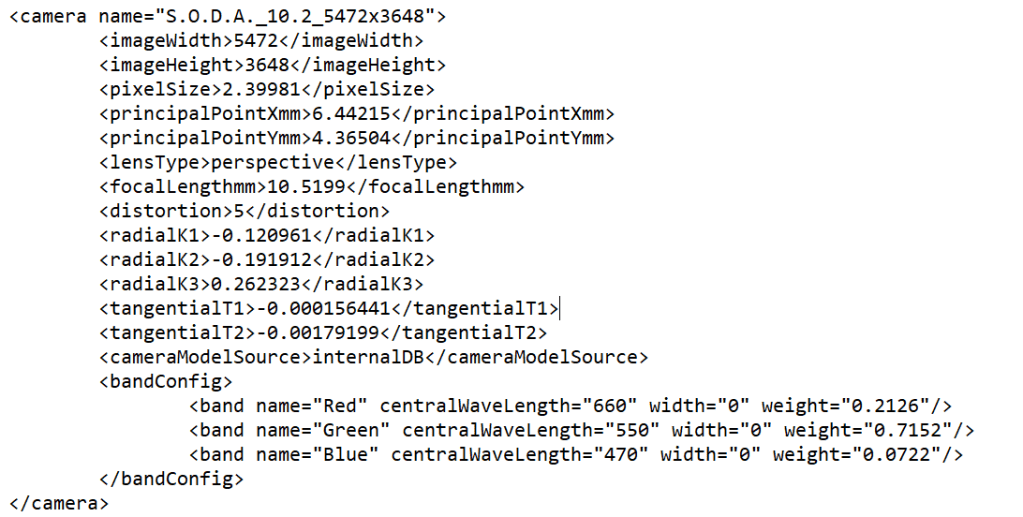
Its equipped with a S.O.D.A camera, which if your a nerd like me you can lookup in the Pix4D .xml table for fun. And you can see the focal length is 10.5199mm.
What kind of flight path should I pick?
This is usually answered by the type of feature you are capturing.


If I were focusing on a historic building a circular mission would be more appropriate. We choose the mission plan which most efficiently captures image overlap.
Why is image overlap so important?
Each image is made up of a set number of pixels. The goal of the processing is to match the pixels between image making it possible to create a point cloud. In the Calibration output report a detail I loved to see was the report on how many points were identified in how many pictures.
Number of 3D Points Observed
- In 2 Images 244095
- In 3 Images 73183
- In 4 Images 34110
- etc
- In 21 Images 1
And in a graphical form, so visual, I love it!
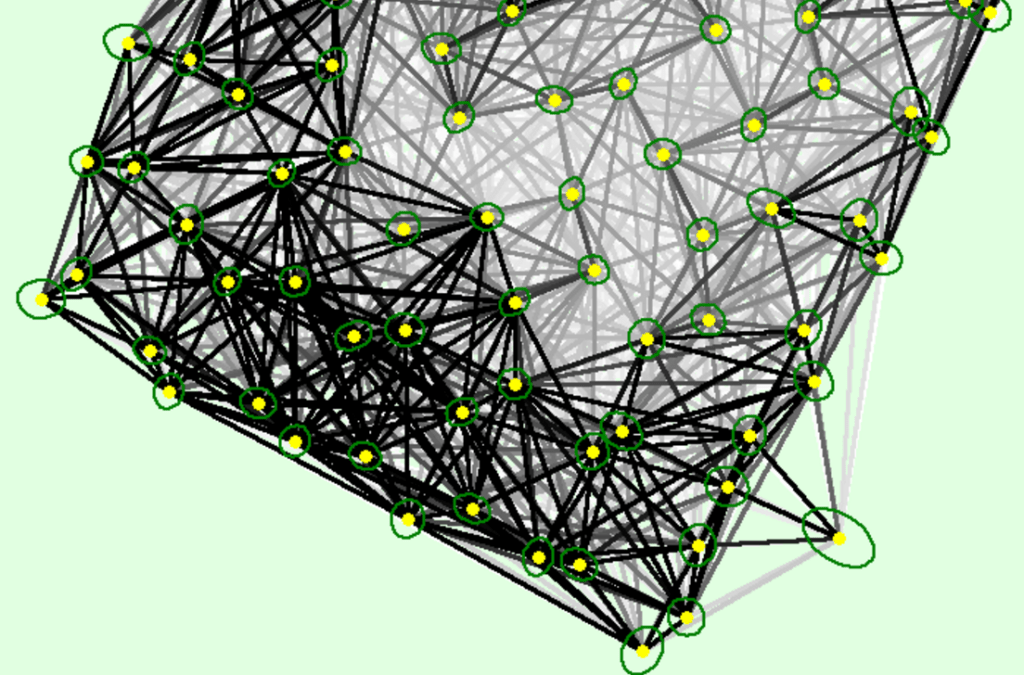
And finally we can see the images being positioned on the map
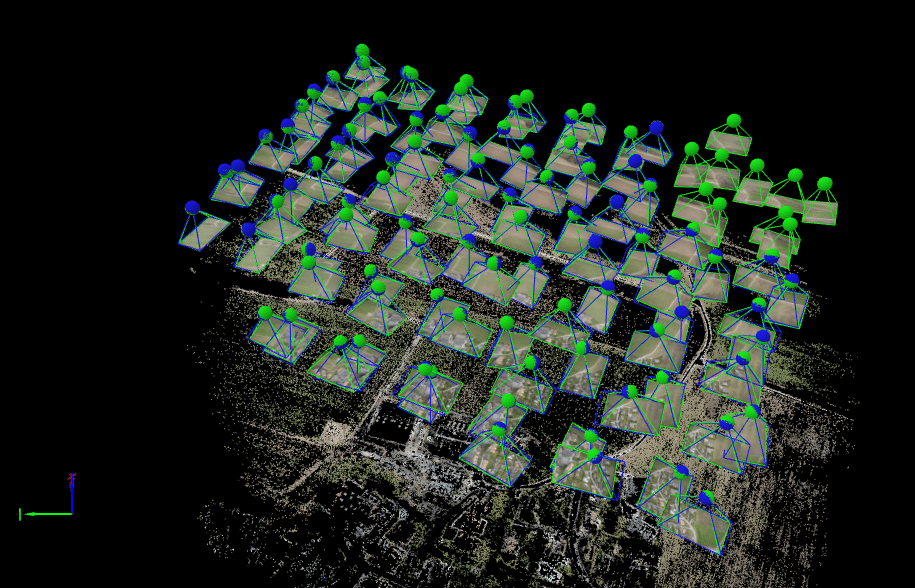
Final Outputs
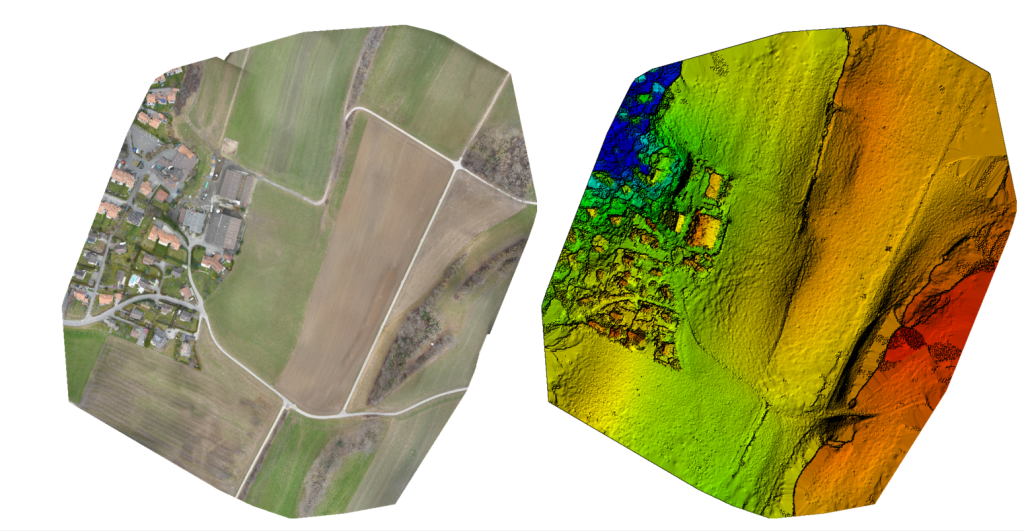
Generally you want to get a suite of geospatial products out of a capture. In this case I was mostly interested in the ortho mosaic which is the sittching togther of the capture.
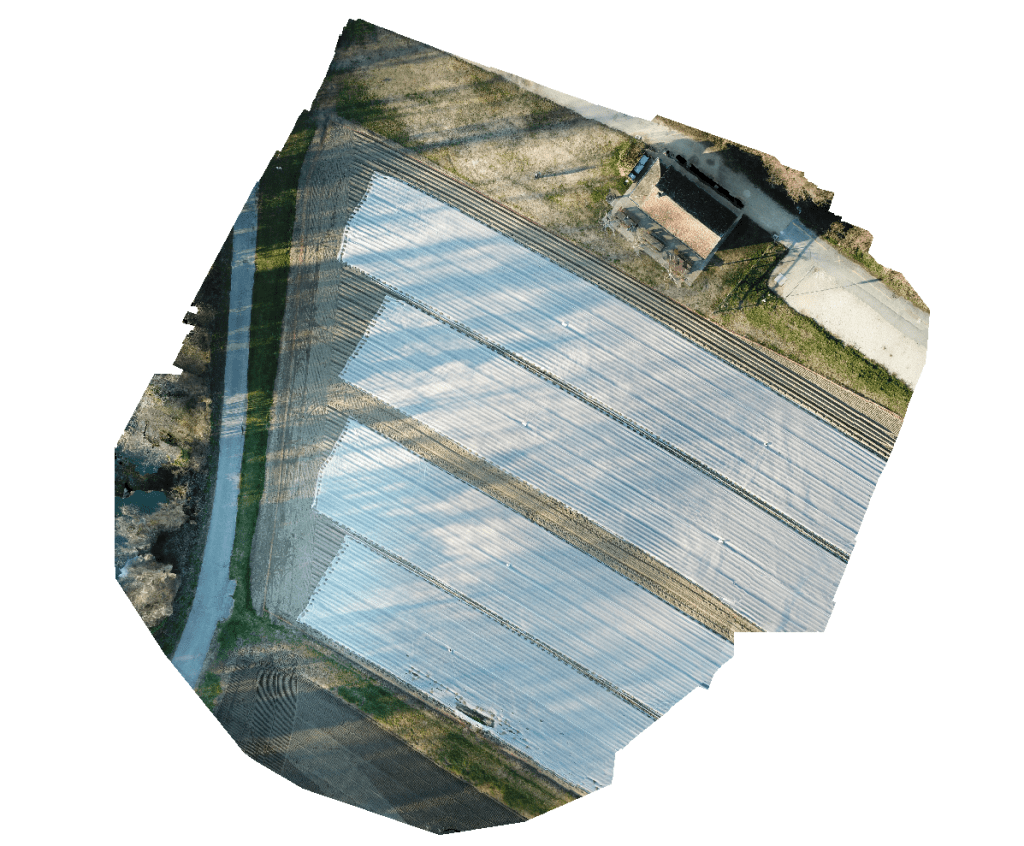
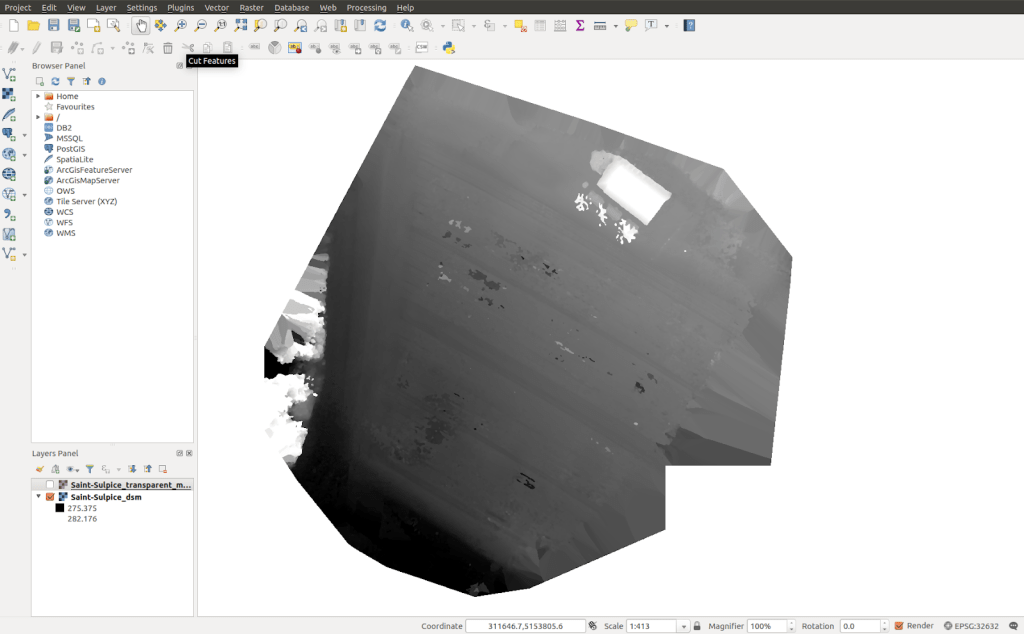
And here is my model, with a DSM generated from the images.
Thanks for reading. Part of the reason for the write up is that Pix4D mapper is no longer being developed and I never really liked the newer products from Pix4D. I’m moving my projects off to a new platform. Nevertheless it was a great piece of software. RIP pix4d mapper.
 Anything Mapping
Leave a comment