SQL is a standard language for interacting with DB’s and I don’t think we discuss it enough in the Spatial community. It’s a de facto language for interacting with DB’s which is platform agnostic. There are some great courses which I’ve dipped in and out of but the best is to just use the tools to do something useful.
One of the things I’ve advoced for in my current position is that data be stored whenever possible in a database with a spatial capability, my favourite being Postgres + PostGIS. I’ve also seen a great spatial developer working with Microsoft SQL server successfully. However recently a lot of people trying to make newer flavours of DB such as Mongo and Dynamo work spatially with less success.

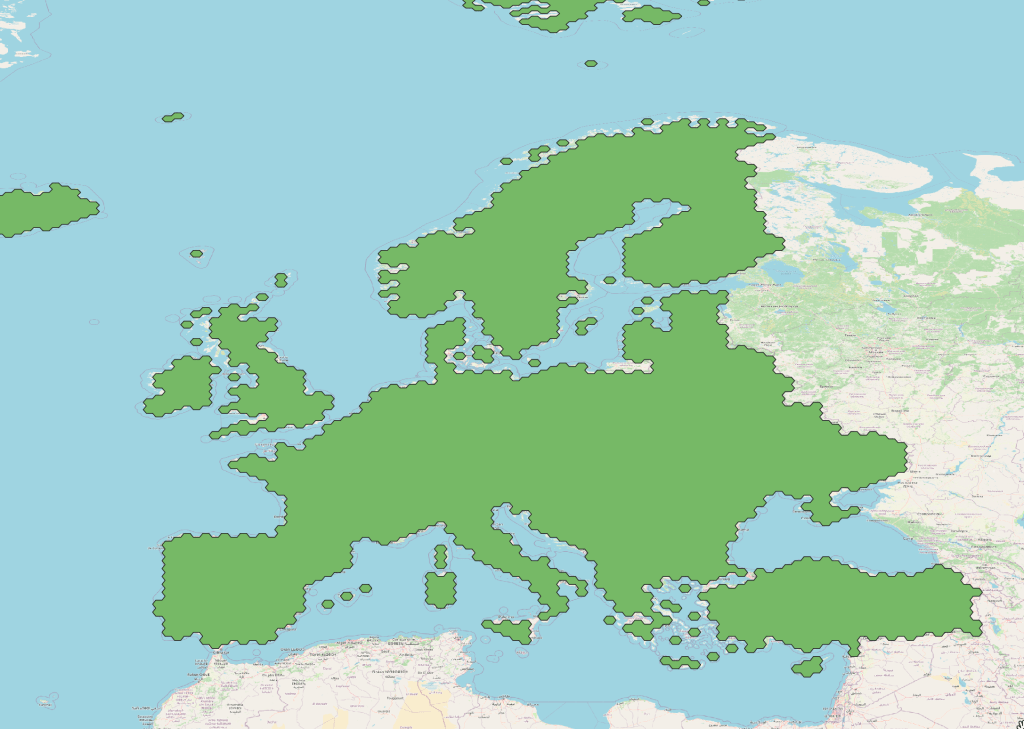
Here you can see I’ve been asked to populate a Postgres instance with geographic extensions to valid vertical references systems in the United States and Europe. PostGIS is incredible in this circumstance because I can easily connect it to QGIS and work either in SQL or through a UI, or a bit of both.
Creating a new table
Creating a well-structured table is a fundamental skill that every SQL practitioner should master. A well designed table not only ensures efficient data storage but also plays a crucial role in optimizing database performance. In this guide, we will delve into the process of creating a table in SQL with a professional touch, incorporating essential elements such as CREATE SEQUENCE and COMMENT ON TABLE.
SQL tables serve as the foundational building blocks for organizing and storing data in a relational database. The CREATE TABLE statement is the key command that enables developers to define the structure of a table, specifying columns, data types, and constraints. However, for a truly comprehensive approach, we will explore two additional features that elevate the sophistication of your SQL table: CREATE SEQUENCE and COMMENT ON TABLE.
CREATE SEQUENCE is a powerful SQL feature that allows for the generation of unique numerical identifiers for a column automatically. By employing this, you can enhance data integrity and simplify the process of creating surrogate keys or unique identifiers within your table.
Furthermore, COMMENT ON TABLE is a valuable yet often overlooked functionality. It enables developers to add descriptive comments or annotations to the entire table, providing insights into its purpose, usage, or any other relevant information. This proves especially useful for team collaboration and documentation, making it easier for future developers to understand the nuances of the table.
Errors inserting data
Once you have a new table I’ve hit an error while working with QGIS and PostGIS. Although you have a spatial DB, it seems to not accept geometry until at least one feature already exists. So here’s where SQL can help in data loading.
INSERT INTO public.my_secret_table(id,name,geometry)
In order to get the geometry I used the QGIS field calculator to build it using the inbuilt commands, generating a new field within the attribute table and then copying out the below geometry.
VALUES (1, 'EPSG:5703', ST_GeogFromText(MultiPolygon(((-144.61657396 82.13599465, -47.79067056 85.53957186 -46.49965852 0.8022358, -143.91238557 1.27169473, -144.61657396 82.13599465)))))
One thing that has tripped me up a few times now is the distinction between geometry and geography on a PostGIS DB. Here is the article I used to learn about this, but in essence Geometry is faster because calculations are not in decimal degrees with a bunch of extra maths.
VALUES (1, 'EPSG:5703', ST_GeogFromText('MULTIPOLYGON(((-144.61657396 82.13599465, -47.79067056 85.53957186, -46.49965852 0.8022358, -143.91238557 1.27169473, -144.61657396 82.13599465)))'))

While making a few updates from the UI I did a few typos which for some reason I couldn’t correct through the UI, so I simply went back to SQL commands for the updates, like this:
SET name = 'EPSG:5703'
WHERE id = 2;
UPDATE public.my_secret_table
And deleted the data like this:
DELETE FROM public.my_secret_table
WHERE id = 1;
And finally if you would like to work primarily in SQL then PgAdmin can visualise your geometry column which is a nice little touch.
So SQL is useful, it is not a specilized language like C, it’s designed to be a more human readable language which includes a binary representation of geometry. Hope this helps, Lucas.
 Anything Mapping
Leave a comment